
Generative UI is defined as a design pattern where AI agents assemble interfaces at runtime using pre-built design system components, responding to user intent and context rather than rendering a fixed screen. This is the core of the role of AI in UI generation: AI does not draw new interfaces from scratch. It orchestrates existing components into layouts that fit the moment. The shift moves teams away from static, manually coded screens toward dynamic, context-aware assemblies that adapt per user, per session, and per data state. Platforms like Astarlabshub are already building autonomous agent workflows on top of this model, deploying interfaces that respond to real business logic without manual front-end coding.
How does AI-powered UI generation work in practice?
AI-powered UI generation follows a repeatable workflow that replaces manual layout decisions with model-driven component selection. Understanding each step helps developers and product managers know exactly where AI adds speed and where human judgment still applies.
- Prompt. A developer or end user describes the desired interface in natural language. The prompt might be as simple as "show me a sales dashboard filtered by region" or as specific as a structured API call from an agent.
- Component selection. The AI model maps the prompt to verified components from the active design system. AI-powered UI builders convert natural language prompts into production-ready UIs using verified component libraries, which keeps the output reliable and on-brand.
- Structure configuration. The model arranges selected components into a layout, wires in data bindings, and applies the correct tokens for spacing, color, and typography.
- Rendering. The configured structure hydrates with live data and renders in the browser or app shell. No manual CSS pass is required.
This workflow integrates directly into tools like VS Code and Cursor, where AI UI builders surface as extensions or chat-driven sidebars. Developers stay in their existing environment while the model handles layout decisions. The result is production-ready UI code generated from a single prompt, cutting the gap between wireframe and working component from hours to minutes.
Pro Tip: Lock your component library version before connecting an AI UI builder to your project. A version mismatch between the model's training data and your installed library causes silent rendering errors that are hard to trace.

What design principles and system constraints ensure coherent AI-generated UIs?
Design systems are the guardrails that keep AI-generated interfaces consistent and trustworthy. Without them, the model invents components, breaks brand rules, and produces layouts that look different on every render.
The correct approach fixes certain elements while allowing others to flex:
- Fixed: components, design tokens, layout templates, and validation schemas
- Flexible: data bindings, conditional flow branching, and content variants
- Prohibited: arbitrary new components invented by the model outside the approved library
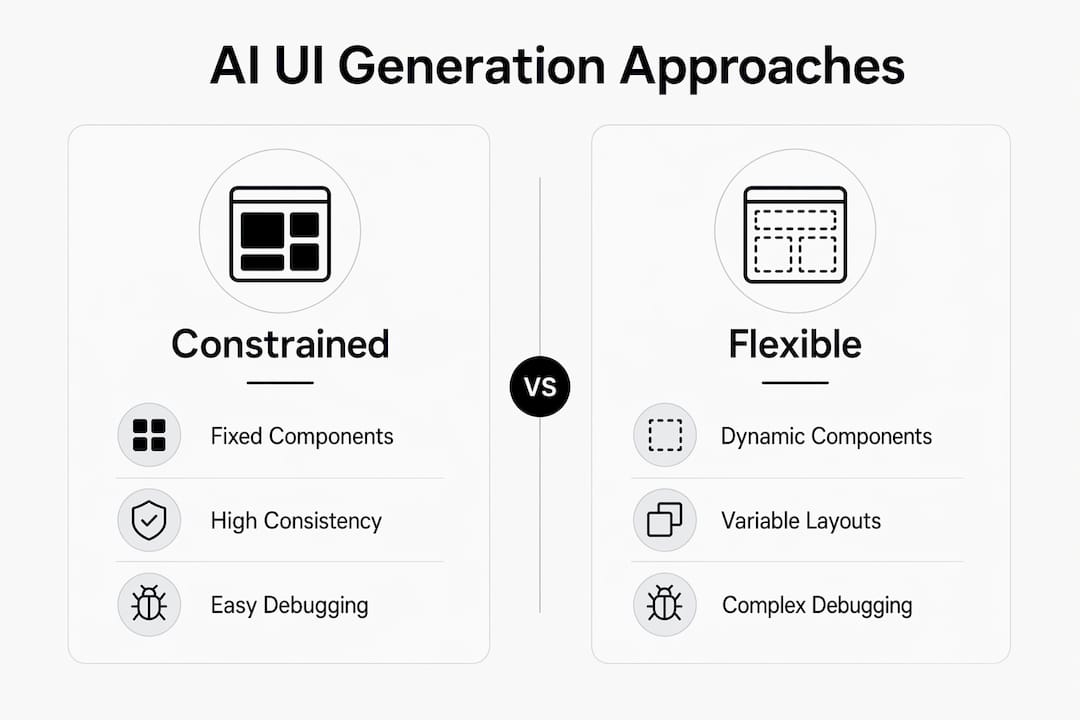
Design systems constrain AI to approved components, tokens, layouts, and validation schemas while allowing flexible data and flow branching. This prevents visual drift and hallucinated UI elements. The practical implication is that a well-maintained design system is no longer just a designer's asset. It is the primary control mechanism for AI behavior in the rendering layer.
Two technical concepts matter here for production teams. First, deterministic fallbacks: when the AI cannot confidently select a component, the system defaults to a known-good static layout rather than guessing. Second, component-level telemetry gives developers logs of exactly which component the model selected, why, and what data it received. These logs are the primary debugging tool when a generated layout looks wrong.
Pro Tip: Build a "component allowlist" as a JSON schema and feed it directly into your AI model's system prompt. This single step eliminates the most common source of hallucinated UI elements in production.
The table below compares two approaches to AI UI generation based on design system discipline.
| Approach | Component source | Visual consistency | Debugging ease |
|---|---|---|---|
| Constrained (design system enforced) | Approved library only | High, predictable | Telemetry logs available |
| Unconstrained (model invents freely) | Model-generated ad hoc | Low, unpredictable | No reliable trace |
Teams that treat the design system as optional input rather than a hard constraint consistently report layout inconsistencies and brand drift within weeks of deployment.
What are the main challenges and risks of AI-generated UI?
AI-generated UI introduces a category of bugs that traditional front-end testing does not catch. These are not code errors. They are behavioral errors: the model made a plausible but wrong layout decision.
The most common production issues include:
- Visual drift. The model selects slightly different components across sessions, causing the interface to look inconsistent for different users.
- Backend state misalignment. Ghost interactions occur when the UI reflects a stale state because the rendering layer and the backend state model are not synchronized. A button appears active when the underlying action has already completed.
- Action confirmation gaps. AI-assembled flows sometimes skip confirmation steps that a human designer would include, creating irreversible actions without user awareness.
- Style fidelity loss. Token overrides applied by the model can break accessibility contrast ratios or spacing rules that the design system enforces for human-authored layouts.
Fallback static UI states and exhaustive logging of AI-generated declarations are the primary tools for maintaining production stability. A fallback state is a pre-approved static layout the system renders when the AI output fails validation. Logging captures every model decision as a structured record, which makes post-incident debugging possible.
State synchronization is the hardest problem. Unified database state models prevent UI desynchronization by giving both the AI rendering layer and the backend a single source of truth. Teams that skip this step spend disproportionate time chasing ghost interactions that appear and disappear unpredictably.
Pro Tip: Run a "chaos render" test in staging: deliberately feed the AI model malformed or empty data and verify that the fallback state renders correctly every time. If it does not, your fallback logic is incomplete.
What practical applications show the real impact of AI in UI generation?
AI-generated UI delivers the most value in contexts where the interface needs to change based on user role, data state, or session context. Static screens cannot serve these scenarios without significant manual branching logic.
The strongest use cases today include:
- Data exploration dashboards. A sales analyst and a logistics manager looking at the same dataset need different layouts. AI-generated UIs assemble dashboards per user role without requiring a designer to build every variant manually.
- Internal tools. Back-office applications with complex, variable data structures benefit from runtime assembly. The interface reflects the actual data shape rather than a fixed template.
- AI copilots. Conversational interfaces that surface contextual UI components mid-conversation, such as a form appearing inline after a user asks to "update my billing address," rely entirely on generative UI patterns.
- Prototyping acceleration. Product teams use AI UI generation to produce working prototypes from a brief in minutes, then iterate on the design system constraints rather than the layout code.
AI-generated UI is less appropriate for legal, financial, or safety-critical flows where the exact sequence of steps and disclosures must be auditable and fixed. A mortgage application or a medical consent form requires a deterministic, human-reviewed layout every time. Generative flexibility in those contexts creates compliance risk, not efficiency. Teams building for enterprise-grade UI layouts should map their use cases against this boundary before committing to a generative approach.
How is AI-driven UI generation reshaping design and development workflows?
The most significant workflow change is not speed. It is the shift in where design decisions happen. Human designers now define the system constraints, and the AI makes the per-session layout decisions within those constraints.
The future of UI generation favors "text-to-hydration" over "text-to-code." Instead of generating new code from a prompt, the model arranges existing design system primitives and pipes real-time data into them instantly. This approach produces more maintainable interfaces because the output is always composed of known, tested components. It also means that the design system itself becomes the primary engineering artifact, not the individual screen files.
Team roles shift accordingly. Designers spend more time on token governance and component documentation. Developers focus on state management, fallback logic, and AI orchestration rather than layout code. Product managers gain the ability to describe interface requirements in plain language and see working prototypes without a full design-to-development handoff cycle. Teams exploring no-code and AI agent integration are already reorganizing around these new responsibilities.
Pro Tip: Assign one team member as "design system steward" whose primary job is keeping the component library clean and well-documented. AI UI generation quality is directly proportional to design system quality. A poorly documented component library produces unpredictable AI output.
Key Takeaways
AI in UI generation works best when the model orchestrates a well-maintained design system rather than inventing new components, making design system quality the single most important factor in output reliability.
| Point | Details |
|---|---|
| Generative UI definition | AI assembles interfaces at runtime from existing design system components, not from scratch. |
| Design system as control layer | Fixing components, tokens, and schemas prevents visual drift and hallucinated UI elements. |
| State synchronization is critical | Unified backend and rendering state models prevent ghost interactions and broken interfaces. |
| Best use cases | Dashboards, internal tools, and AI copilots benefit most; safety-critical flows require fixed layouts. |
| Workflow shift | Teams move from building screens to governing design systems and AI orchestration logic. |
Why I think most teams are adopting generative UI in the wrong order
Most teams I see reach for an AI UI builder before they have a mature design system. That is the wrong sequence. The AI has nothing reliable to orchestrate, so it invents components, and within a few sprints the interface looks like it was built by three different teams on three different days.
The teams that get this right treat the design system as the product. They spend weeks documenting tokens, writing component specs, and building validation schemas before they write a single AI prompt. When the AI finally connects to that system, the output is consistent from day one.
The other mistake I see is treating generative UI as a replacement for design thinking. It is not. The model decides which component to render. Humans still decide what the user needs to accomplish and in what order. Skipping that thinking produces fast, coherent-looking interfaces that confuse users because the flow logic is wrong even when the visual output is clean.
The teams winning with AI-generated applications are the ones who kept human judgment at the flow level and gave AI authority only at the layout level. That boundary is not a limitation. It is the architecture.
— Carlos
Astarlabshub's Agentica platform and AI-driven UI assembly
Astarlabshub built Agentica 2.0 specifically for teams that need AI to handle the full product delivery cycle, including interface generation, without requiring a dedicated front-end team.
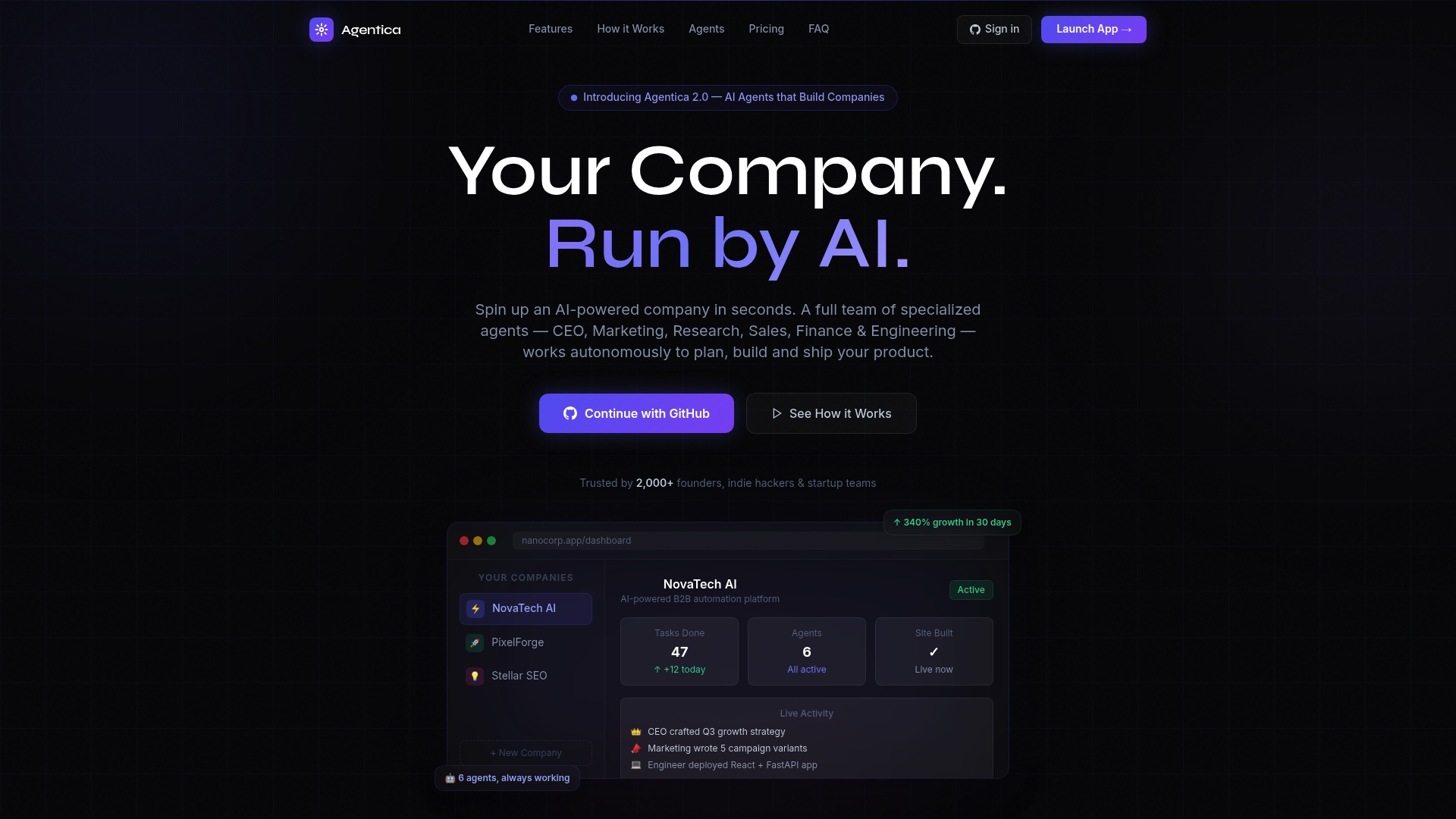
Agentica deploys specialized AI agents covering engineering, product, and deployment roles. These agents work together to assemble and ship application interfaces based on your product brief, using the same runtime assembly principles covered in this article. Non-technical founders and lean product teams use Agentica to go from idea to deployed application without managing a design-to-development handoff. Astarlabshub reports 340% client growth within 30 days of deployment. Teams ready to put autonomous AI agents to work on their UI and product challenges can review Agentica's full capability set and get started directly on the platform.
FAQ
What is generative UI in simple terms?
Generative UI is when an AI model builds a user interface at runtime by selecting and arranging pre-built components from a design system, rather than rendering a fixed, manually coded screen.
How does AI prevent inconsistent layouts in generated UIs?
Design systems act as hard constraints, limiting the AI to approved components, tokens, and templates. Deterministic fallbacks and component-level telemetry catch and log any output that falls outside those constraints.
Is AI-generated UI suitable for all applications?
AI-generated UI works well for dashboards, internal tools, and copilot interfaces. It is not appropriate for legal, financial, or safety-critical flows where fixed, auditable layouts are required.
What is "text-to-hydration" and why does it matter?
Text-to-hydration means the AI arranges existing design system primitives and fills them with real-time data, rather than generating new code from scratch. This produces more maintainable and consistent interfaces than text-to-code approaches.
How do teams debug AI-generated interface decisions?
Component-level telemetry logs every model decision, including which component was selected and what data it received. Combined with fallback static states, these logs make post-incident debugging reliable in production environments.